San
Diego & Arizona Railway MSTS Simulation
Introduction and Background
Carrizo
Gorge v2.1
27 May
2003
San Diego & Arizona Railway (Desert Line)
For Microsoft Train Simulator
Location: San Diego and Imperial Counties, California, USA.
Route length: 69.9 miles (112.5 km)
Railroad: The San Diego & Arizona Railway (SD&A)
The line through Carrizo Gorge was operated by the SD&A, which
used
the route to run passenger and general freight service between San
Diego and El
Centro where the line linked up with the Southern Pacific Railroad.
| As of August 2012, the SD&A route is the 7th highest downloaded route on train-sim.com with 13,496 downloads. |
Desert Line: Extends northeast from the International Border
(Division) to Seeley, where it joins the Southern Pacific (SP) Line
from
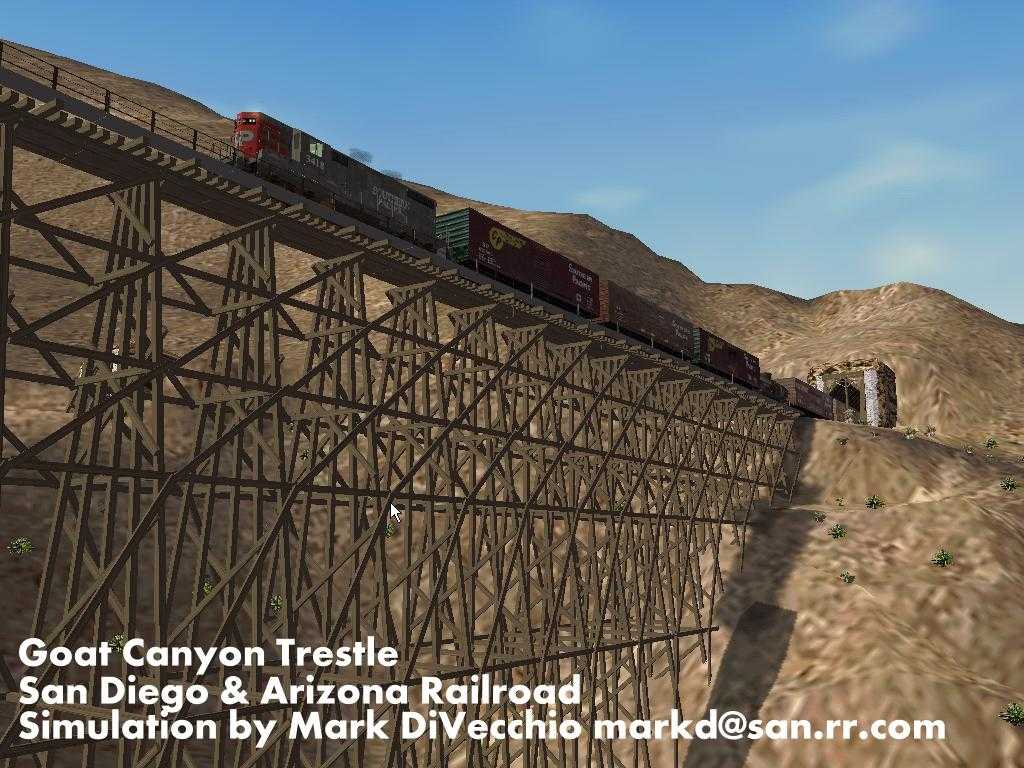
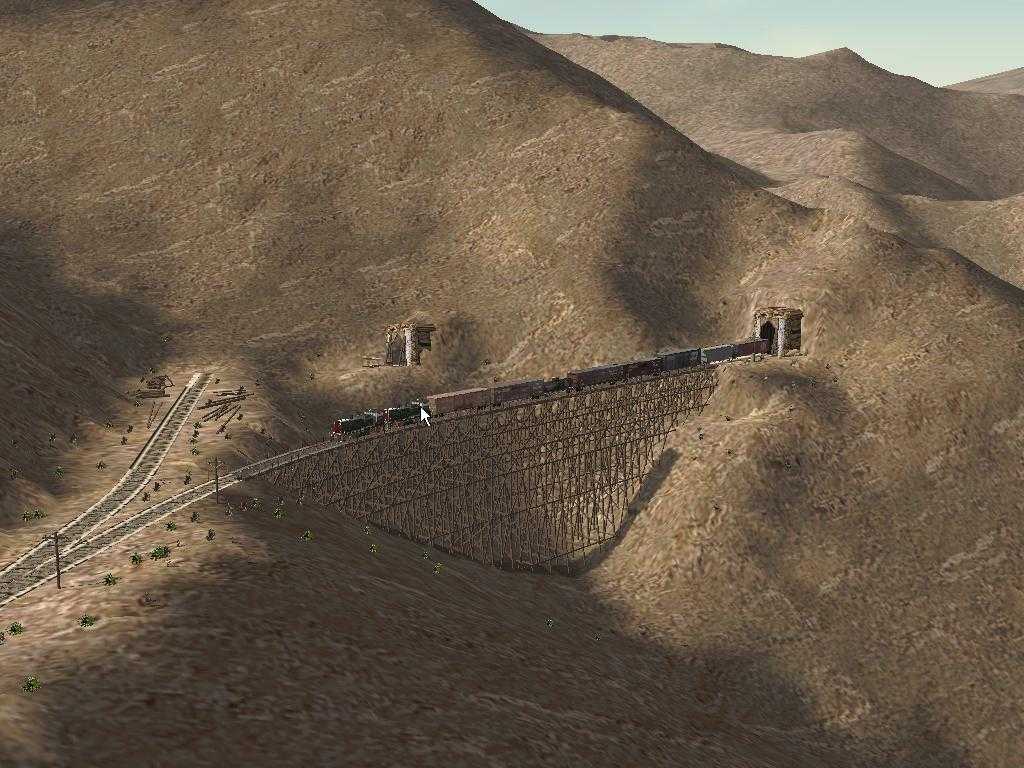
El Centro. The Goat Canyon Trestle, built in 1932 as part of a
realignment of the main line following a tunnel collapse, extends for
633 feet, 185 feet high. It is claimed to be the highest and longest
wooden trestle bridge in the United States.
When John D. Spreckels built the SD&A, his silent
partner was
the Southern Pacific Railroad. The San Diego and Arizona Eastern
(SD&AE) was the successor operator to the San Diego and
Arizona.
The
name change took place on October 24, 1932 following the death of
Spreckels. On that date, the Southern Pacific
Railroad took over 100% ownership of the line and renamed it the
SD&AE. That was the name under which it operated for the rest
of
its
existence.
In 1975 the SP sold the line (except for the Plaster City to
El
Centro section) to the San Diego Metropolitan Transit Development
Board.
The MTDB hired Kyle Railways, founded by Willis Kyle, to operate the
line. Kyle ran the line, still called the SD&AE,
until its
final end in 1983. Click for more details from Pacific
Southwest Railway Museum.
For most realistic running, download and run SD&A and
SD&AE
consists from my consists page.
During the
time that the SP owned the line, Southern Pacific livery was
a
common sight..
Total length: 69.9 miles, Presently unserviceable due to fire
damage
to trestles and tunnels.  That's about to change
- Here is the web
site for the Carrizo
Gorge Railway. Click
here and here
for more information.
That's about to change
- Here is the web
site for the Carrizo
Gorge Railway. Click
here and here
for more information.
Portion Complete: This simulation extends the entire 69.9 miles from
Division to El Centro rising 1466 ft and then dropping 3613 ft in
elevation.
The SD&A is brought to you by John D. Spreckels. This MSTS
simulation by Mark DiVecchio ( markd@silogic.com
).
Read about the SD&A at Wikipedia.
The route is
available for download at on my Download Page.
This route
and these
trainsets cannot be used for any commercial ventures for profit or
distributed in any other form or on CD, any recordable medium or any
web site without my express permission. This route is released with all
original copyrights retained. Please respect the original designers
copyright. New content is copyright by Mark DiVecchio. This route has
been tested on several computers with no problems. I am not responsible
for anything which results from its use, and no warranty of suitability
for any purpose is implied.
Operational Era
This route is an eclectic combination of eras on the
SD&A. The Last
Spike
was driven on November 15, 1919 (thanks for jjschaible for a correction
to this date). The line operated from 1919 to 1976
when on September 10, 1976, Hurricane Kathleen badly damaged it. It
reopened in 1981 only to last until the summer of 1983 before being
shutdown due to fire damage to several tunnels and trestles.
The presence of the Goat Canyon Trestle indicates operation after its
construction in 1932. The fact that tunnels 8 and 16 are still open,
indicates operation before their collapse in the 1980's. The presence
of
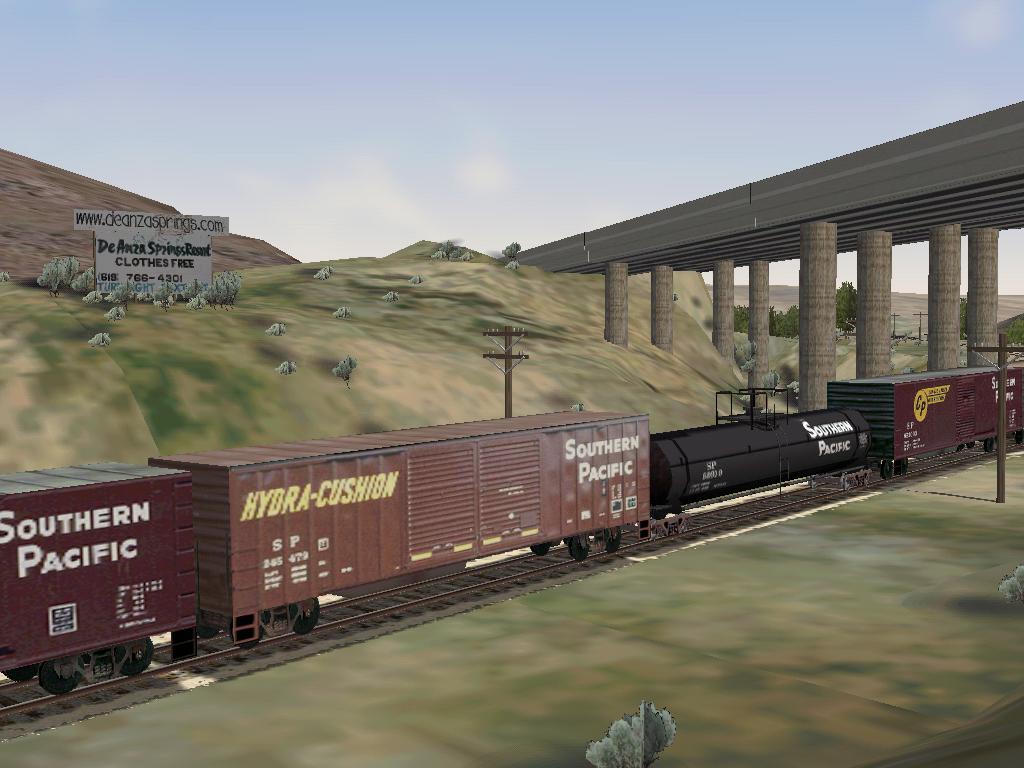
the DeAnza
Springs Resort
(Clothing Optional) along the line indicates operation in the
mid
1990's although the line was finally put out of operation a decade
earlier. Siding locations where I could not physically visit were taken
from USGS maps last field checked in 1975.
I've hiked along this railroad from Dos Cabezes to Dubbers, over
trestles and through tunnels. Read
this special
note from CZRY about hiking the line now that its being reopened.
I've driven the dirt roads around
Jacumba,
Sugar Loaf and Coyote Wells. It is an area of San Diego County that I
love.
The Route
This route took me one year of fairly constant effort and
still
needs
work. Fortunately, there is not much scenery in the area where the line
runs. The line is complete with all sidings that I could identify,
mileposts, speed limits and signals. The signals are not typical of
SD&A operation (the only automatic blocks signals ever on the
line
were a pair around the Goat Canyon Trestle) but are rather done for
MSTS
activities. The points are automatic for all points on the mainline.
Points off the mainline are manual. There are several real activities
and several dummy activities so that you can explore the route from
either end or points in between.(If you are still running v2.0, note:
these activities are not meant to actually run. READ
THIS if you want to make the activities work. Click here to see the list of
"real"
activities already written for the SD&A.)
I've put "Place
Name" signs
all along the route so you can get an
idea of where you are, but, of course, real railroad men didn't need
such nonsense.
Path *.pat Starting Point
--------- --------------
Border Crossing Division
Campo Switching Campo East
Carrizo Gorge Switching Carrizo Gorge East
Clover Flat Switching Clover Flat
Coyote Wells Express Coyote Wells West
Coyote Wells Switching Coyote Wells East
Desert Line Run El Centro SDA Station
Dos Cabezes Switching Dos Cabazes
Dubber Switching Dubber East
El Centro Switching El Centro
Elgar Switching Elgar East
High Bridge View High Bridge East
Hipass Meet Hipass West
Hipass Switching Hipass West
Hipass Westbound Hipass East
Introductory Train Ride Division
Jacumba Switching Jacumba West
Plaster City Drop Off Plaster City East
Plaster City Switching Plaster City
Roster Roundup Coyote Wells
Seeley Switching Seeley
Slow Freight West Bound Coyote Wells East
SP HighBall El Centro North
SP Northbound El Centro South
SP Southbound El Centro North
Sugarloaf Switching Sugarloaf West
To Mexico Campo
Tunnel 21 Switching Tunnel 21 East
westward_freight El Centro SD&A Station
Wilsie Switching Wilsie West
Turn on Distant Mountains for the best effects.
This is a desert route, so it does not contain snow, winter,
autumn
or spring textures. Some night textures may be missing as well. In
MSTS,
the route will display as "Carrizo Gorge v2.1". Comments are always
welcome. Please send me any activities that you develop and I'll
include
them here.
Mark DiVecchio
San Diego, CA, USA
markd@silogic.com
27 May, 2003
If you can help with the expenses to develop this web site:

Carrizo Gorge v2.1 patch
27 May 2003
This very likely the last release of the San Diego and Arizona Route by
me.
It is released as an upgrade to v2.0. I used RouteRiter to create the
update ZIP file. So you must have v2.0 installed before you can use
this
file. SEE THE INSTALLATION INSTRUCTIONS BELOW.
The purpose of this release was to make the route easier to write
activities for. I improved all the signals and moved them to the right
side of the track. I named all the sidings.
I wrote several simple but real activities. I added a little more
scenery and static objects. The list of changes is below.
Many non-default Trainsets and Consists are needed. These are
SD&A, SD&AE and SP engines and rolling stock
that I
reskinned. You can get these on train-sim.com or from my SD&A
Web
Site: http://www.silogic.com/SDA/SDA.htm
Here is the list of additional non-default Trainsets which I downloaded
from train-sim.com. Mostly Southern Pacific. They are:
MNA_DB01 ZIP 3,300,793 07-20-02 1:45p mna_db01.zip
SDA_DB43 ZIP 4,734,741 09-11-02 7:59p sda_db43.zip
10000GAL ZIP 799,649 02-02-03 11:52a 10000gal.zip
SPMP15AC ZIP 9,298,198 07-07-02 8:13p spmp15ac.zip
SPBOX ZIP 1,251,629 02-02-03 11:58a spbox.zip
SPCAB ZIP 855,901 02-02-03 11:58a spcab.zip
SP245479 ZIP 792,837 02-02-03 12:01p sp245479.zip
SP245828 ZIP 823,342 02-02-03 12:01p sp245828.zip
SPBWCAB ZIP 1,010,476 02-02-03 12:02p spbwcab.zip
SPGP9 ZIP 1,117,454 02-02-03 12:09p spgp9.zip
SP_TANK ZIP 438,715 02-02-03 12:08p sp_tank.zip
SP_BOX3 ZIP 737,972 02-02-03 12:54p sp_box3.zip
SPBOX5PK ZIP 8,339,234 05-29-03 5:36p spbox5pk.zip
SP_ALCS4 ZIP 3,908,389 03-03-03 10:23a sp_alcs4.zip See Note
SPC44-9W ZIP 1,071,870 02-12-03 9:25a spc44-9w.zip
SP_BOX5 ZIP 897,171 05-29-03 5:36p sp_box5.zip See Note
Note: SP_ALCS4 and SP_BOX5 are contained inside of SPBOX5PK.
The SD&A, SD&AE, and SP units which I reskinned can all
be
downloaded from my SD&A web site or from train-sim.com. There
you
will find:
SPUSG ZIP 114,673 04-06-03 10:27a SPUSG.zip
SPEMPTY ZIP 135,863 04-06-03 10:25a SPempty.zip
SDAE101 ZIP 2,535,211 04-08-03 10:25a SDAE101.zip
SP3873 ZIP 666,319 03-29-03 9:47p SP3873.zip
SDA01 ZIP 2,034,437 03-20-03 9:20a SDA01.zip
SDAE104 ZIP 3,793,225 04-04-03 2:12p SDAE104.zip
SP1110 ZIP 1,270,308 03-20-03 9:21a SP1110.zip
SDA102 ZIP 2,379,812 04-01-03 8:25a SDA102.zip
SDA50 ZIP 2,876,112 03-20-03 8:22a SDA50.zip
SP-GP9-2 ZIP 1,153,416 04-02-03 9:08a sp-gp9-2.zip
SDACOACH ZIP 1,045,417 03-31-03 8:45a sdacoach.zip
SDA670~1 ZIP 436,839 04-04-03 10:54a SDA6700Baggage.zip
SDA_BC ZIP 1,101,395 03-31-03 8:32a sda_bc.zip
SDAE1126 ZIP 1,338,413 03-28-03 8:41p SDAE1126.zip
SP1133 ZIP 908,758 05-29-03 5:03p SP1133.zip
Look in the "Activities" directory for the rolling stock needed for
each
activity. This list was created by RouteRiter. They in files name
"Activity Name"_RollingStockNeeded.txt. This file
shows the directory name and *.wag or *.eng file name.
All of the *.con files needed are in the directory "Consists". Move all
of these to the MSTS Consists directory:
"C:\Program Files\Microsoft Games\Train
Simulator\TRAINS\CONSISTS"
The new 'real' activities are:
Roster Roundup (An activity at Coyote Wells. Every
roster
consist
in the SD&A simulation inventory is arrayed for your viewing.
That
is the only purpose of this activity.)
Plaster City Switching (Pick up several centerbeam
flats at the
USG Plant in Plaster City.)
Plaster City Drop Off (Drop off several centerbeam
flats at the
USG Plant in Plaster City.)
SDA1_bk-1 (Take an
SD40-2-hauled perishable
goods freight from El Centro through to San Diego. Written by Bruce
Kennewell.)
Border Crossing (Drive a train from the Mexico
border to Campo.)
To Mexico (Take a train to Division)
Coyote Wells Express (Get onto the Coyote Wells
Passing Track
while an express passes in the other direction.)
Hipass Meet (Meet a slow freight in the siding at
Hipass.)
Jacumba Switching (Get around a 5 car consist stuck
on the main
line.)
Wilsie Switching (Move 8 tank cars from Wilsie to
El Centro
Industrial 2.)
Introductory Train Ride (A computer controlled ride
from
Division
to El Centro.)
The remaining activities are dummy activities so there will be starting
points for explore route.
V2.1 changes
------------
Added some billboards and fireplug at Campo
Fixed rock up in the air near Division at CA94 overcrossing
Added "Yard Definition" at Division and at CA94 overcrossing
Moved station at Dos Cabazes so as to not be down hole track. Moved
station to be in the center of the
platform.
Added to Distant Mountains. Went from 28 tiles to 59 tiles. Used
30m DEM data with -40m elevation offset
to get good
alignment at DM border.
Rename Dos Cabazes 2 to Dos Cabazes Hole Track
Rename Dos Cabazes 1 to Dos Cabazes Passing Track
At Dos Cabazes, moved west passing track signal (was covering wrong
switch)
At southern El Centro, add more signals covering first 4 signals from
the south.
Named more sidings at El Centro
Added more Yard Definition"s at El Centro
Fixed SDA1_Watertank texturing to correctly use SDA1_Trestle.ace
More and better sounds between Hipass and Division
More and better sounds between El Centro and Plaster City
Station at Division
Put depot.s around so that player will know where the station is.
Put signals on mainline at Dubber Spur
More Signs
Siding name Clover Flat Pit Spur
More vegetation around Hipass, Jacumba and DeAnza Springs Resort
More car spawners around Jacumba and Hipass
Relevel ground at Dos Cabezes
Moved all signals so they are on the right side of the track as you
face them in
the direction the train is moving
Developed some real activities
Developed a lot of reskinned engines - they are all on my SD&A
Web
Site.
Installation
(built using Route-Riter):
Installation of v2.0
This route requires about 163 Mb of disk space and requires
that you
have have all 6 default MSTS routes installed. The file sda20.zip
contains the route. You can download it from my Downloads Page.
1 - In your your Train Simulator\Routes folder, create a new folder
named "SDA20". Unzip the zip file "sda20.zip" into that new
folder. (Before unzipping the file, make sure the "Use folder names"
has
a checkmark in front of it.)
2 - Go to the newly created SDA20 folder and find the file named
InstallMe.bat. Double click on InstallMe.bat. This will open
up a
DOS window and copy many files from the default routes. Be patient,
this
process takes several minutes. When the batch file is complete, the DOS
window may close, if not simply click on the "X" in the upper right
corner of the DOS window.
3 - Start MSTS and select "Carrizo Gorge v2.0". Go to Explore
Route
and pick a starting point for your adventure.
Installation of v2.1 Patch
This route requires about 190 Mb of disk space and requires that you
have have all 6 default MSTS routes installed.
The sda21_patch.zip file will patch version 2.0 of the San Diego
&
Arizona Railway to version 2.1. You can download it from my Downloads Page.
Special Note: the original
name of
this file was
sda21_patch.zip. If you have trouble installing it with its name as
found on train-sim (they renamed it using the 8.3 filename
format
= "sda21pat.zip"),
please rename the file to "sda21_patch.zip" and try again.
If necessary,
you may have to manually
create the folder named
"sda21_patch" and then unzip the patch into that folder. The
"updateme.bat" script requires that the new folder to be named
sda21_patch or else the install scripts will not work correctly.
Note that after conversion, the original version will NO LONGER be
available on your system. If you wish to retain the original version,
use Windows Explorer or other file utility to copy the route to a
temporary folder until the conversion has completed. The new version
will be renamed, so once it is installed, it is quite safe to move the
old version back and then both versions will be available.
Requirements:
You must have version 2.0 of the route and the 6 default MSTS routes
available on your PC for this installation to work.
1. Unzip this Patch into your MSTS\Routes folder, it will be placed in
a folder named Sda21_patch - Ensure that your copy of WinZip has 'Use
Folder Names' checked. If WinZip does not create the folder for you,
then create it manually and unzip the patch into it. All the patch
files MUST be in a folder named sda21_patch for these scripts to
operate correctly.
2. Navigate to the Sda21_patch folder and double click on UpdateMe.bat
-
This batch file will copy all the necessary files from the Patch folder
into the old route folder, delete some old files, and rename the folder
to the new route name.
3. Once this has finished, you will be advised to 'Press Any Key' to
run the installme.bat file which will then copy any necessary files
from
the Default routes. The new version of the route will be installed in
the directory sda21.
4. Upon completion, shut the DOS window, delete the Sda21_patch folder
which is no longer necessary (and will confuse MSTS if not deleted as
MSTS thinks it is another route).
5. Run your new route.
6. All of the *.con files needed are in the directory "Consists". Move
all of these to the MSTS Consists directory.
"C:\Program Files\Microsoft Games\Train
Simulator\TRAINS\CONSISTS"
This patch was produced using Route-Riter.
Installation of v2.1
This route requires about 163 Mb of disk space and requires
that you
have have all 6 default MSTS routes installed. The file sda21.zip
contains the route. You can download it from my Downloads Page.
1 - In your your Train Simulator\Routes folder, create a new folder
named "SDA21". Unzip the zip file "sda21.zip" into that new
folder. (Before unzipping the file, make sure the "Use folder names"
has
a checkmark in front of it.)
2 - Go to the newly created SDA21 folder and find the file named
InstallMe.bat. Double click on InstallMe.bat. This will open
up a
DOS window and copy many files from the default routes. Be patient,
this
process takes several minutes. When the batch file is complete, the DOS
window may close, if not simply click on the "X" in the upper right
corner of the DOS window.
3 - Start MSTS and select "Carrizo Gorge v2.1". Go to Explore
Route
and pick a starting point for your adventure.
Route builders have permission to use any of my objects,
indicated
by the prefix "SDA1_" in their routes as long as the route is
distributed for free and credit is given to me in the README. They may
not be used in any commercial project or distributed singly without my
written consent.
You have my permission to upload this route onto any web site as long
as you upload the ZIP file unchanged. I would appreciate an email note
letting me know that you did that.
This
route is
provided "as-is" without any warranty of any kind.
My thanks to all route builders and scenery builders who preceded me.
Credit with thanks given for all shapes and textures downloaded from
train-sim.com (see the readme.txt file included the route):
http://www.train-sim.com/
and UKTrainSim:
http://www.trainsim.com/
Here are some
comments about the stations
and points along the route (click on the image for larger image):
- Division (MP 60.07) - Just north of the border with Mexico.
I've
never been here. Tried to model it from satellite photos. I included a
gate across the entrance of the tunnel since Customs must inspect every
train that crosses the border.
- The Buffalo Soldiers of the 28th
Cavalry was located
at Camp Lockett near Campo. The 28th trained and
then served
as border patrol from Camp Lockett before being shipped to North Africa
in 1944.
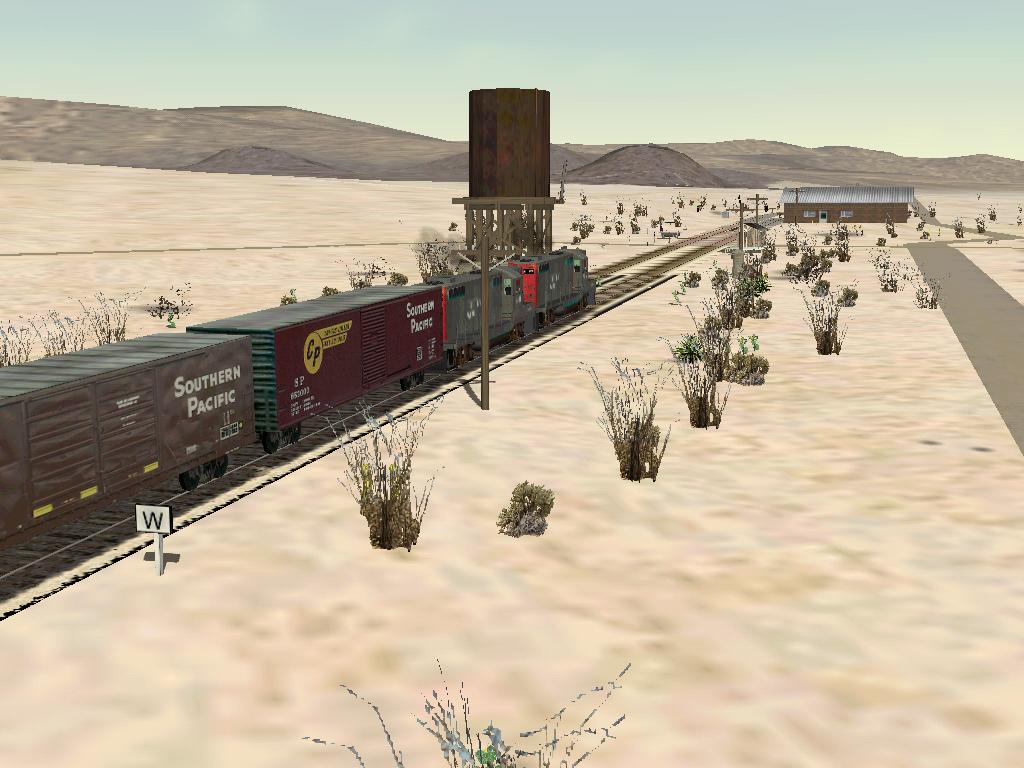
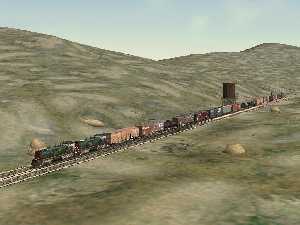
- Clover Flat (MP 71.9) - Modeled from an
old PSRM photo
. The tourist train from the Campo home of the Pacific Southwest Railroad
Museum
does weekend runs to a new siding called Miller Creek near Clover Flat.
The siding at Miller Creek was constructed by Museum volunteers in the
1980's. I've also been told by a long time member of the PSRM that the
water tower was actually at Miller Creek (where water was available).
That means my modeling of the water tower at the Clover Flat siding is
not exactly correct.
I received this email from Dave DiGiorgio, Chief Operating Officer of
the Pacific Southwest Railway Museum
I was just looking over your SDA
page and it
looks like you did a great job on your MTS skin. I just have
one
correction from your web page if you are
interested. Your site says..
- Clover Flat (MP 71.9) - Now called Miller Creek. Modeled
from an old PSRM photo . The tourist train from the Campo home of the
Pacific Southwest Railroad Museum does
weekend runs to this siding.
Clover Flat is not now called Miller Creek They are different places.
They are pretty close though. Miller Creek is roughly around
MP
73.5 and the water tank used to be at
the east end of the now Miller Creek siding, and was located about MP
73.8. I am not
aware that there was ever a water tank actually at the Clover Flat
siding, but I am not positive about
that. The footings are still in place at Miller Creek for the
water tank, and at Clover Flat, the
switch ties are still in place where the siding used to be.
The
old time tables list there being
water at Clover Flat, so either there used to be a tank at Clover Flat
siding, or they just considered
the now Miller Creek as part of Clover Flat, but we have both stations
listed now. Certainly not a
big discrepancy, but I thought you might want to know.
Your skin looks very good, maybe someday I will try out MTS again, and
load up your skin. I quit playing it shortly after it came
out,
since the train operation was not
authentic at all, and it frustrated me. Have you ever been
out to
Campo and on our
trains? If not, I would be happy to invite you out for a
complementary train ride to Miller Creek and back.
Dave DiGiorgio
Chief Operating Officer
Pacific Southwest Railway Museum
|
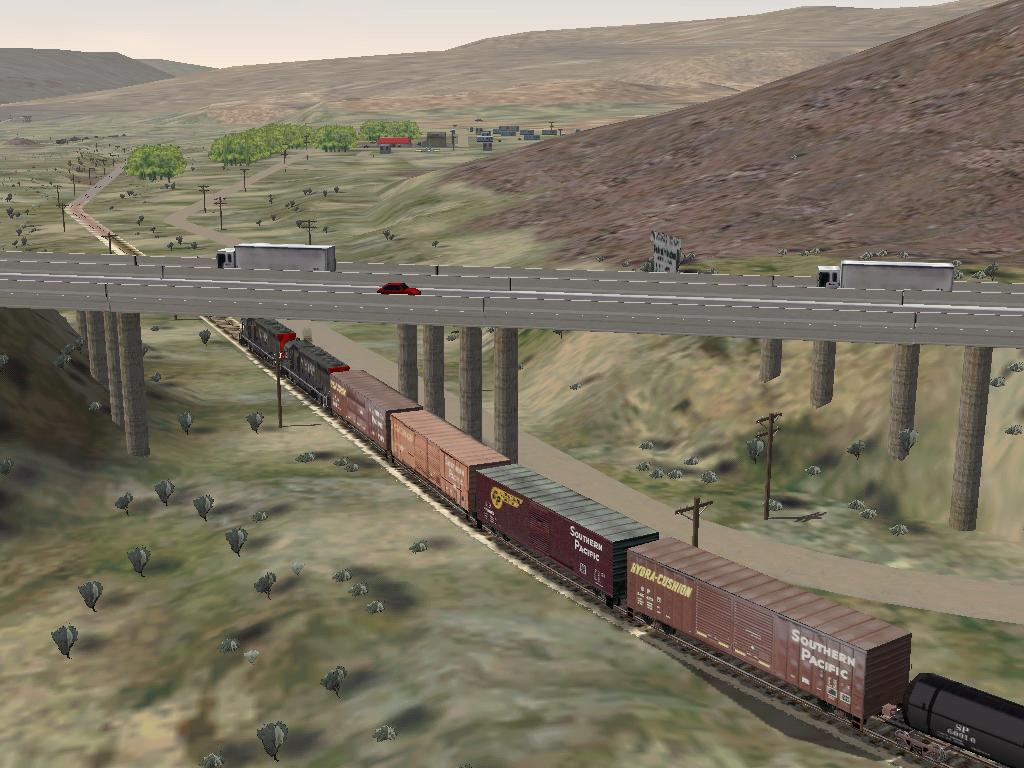
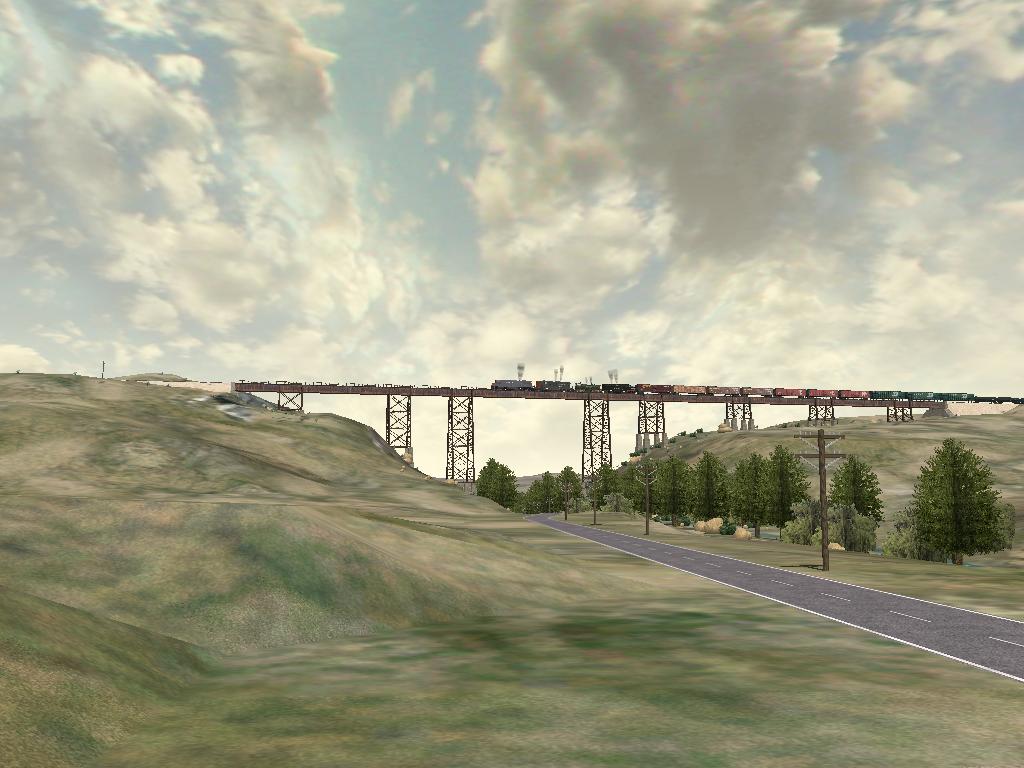
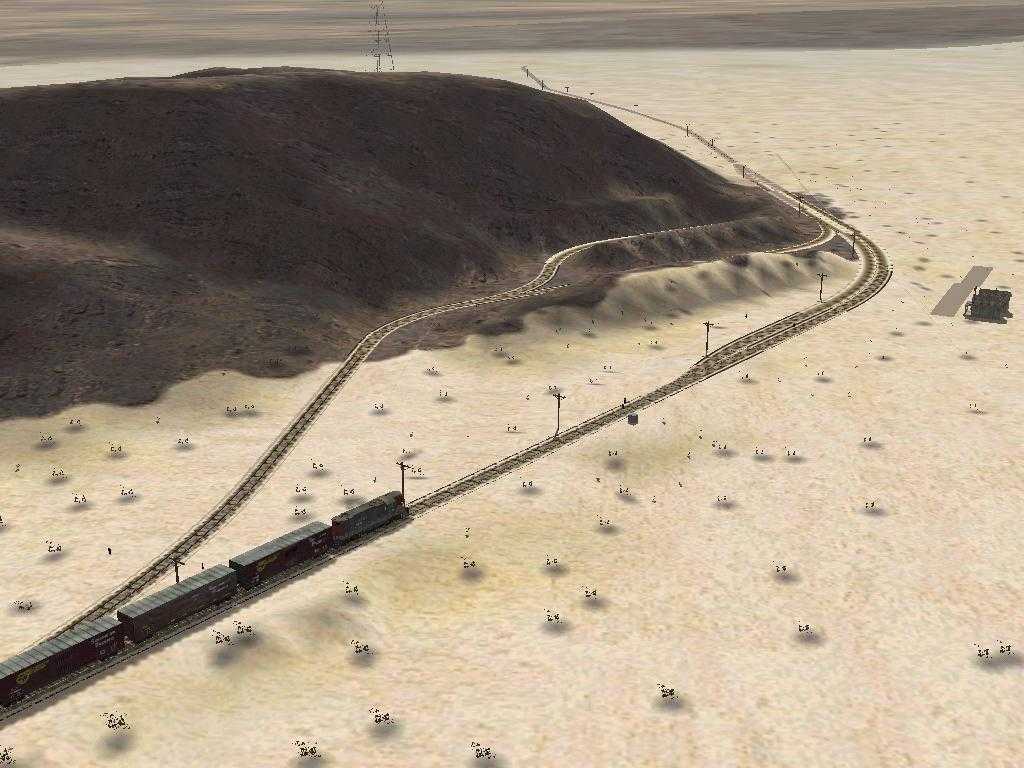
- High
Bridge (MP
77.27) - This bridge carries the SD&A over US 80 (now CA Route
94)
between Campo and Jacumba. The second screen shot was taken by Brian A Elchlepp.
- Pueblo (MP 78.2) - I don't know if this ever was a real
station.
Its on the Campo Indian Reservation. I've never been there.
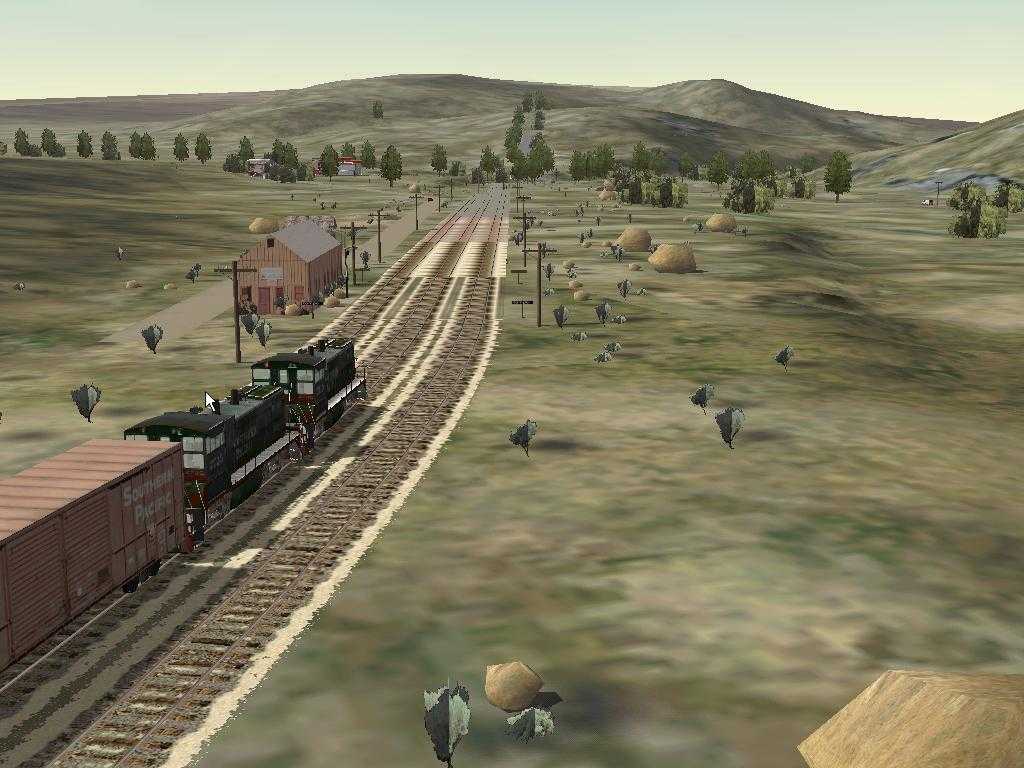
- Hipass (MP 84.5) - I've never been here. Modeled from
satellite
photos. From recent PSRM photos
,
the wye is no longer there. Photo shows the phonebooths found in many
places along the route.
- Jacumba (MP 92.9) - Modeled from photos from the 1970's,
from old
SD&A documents and from my photos.
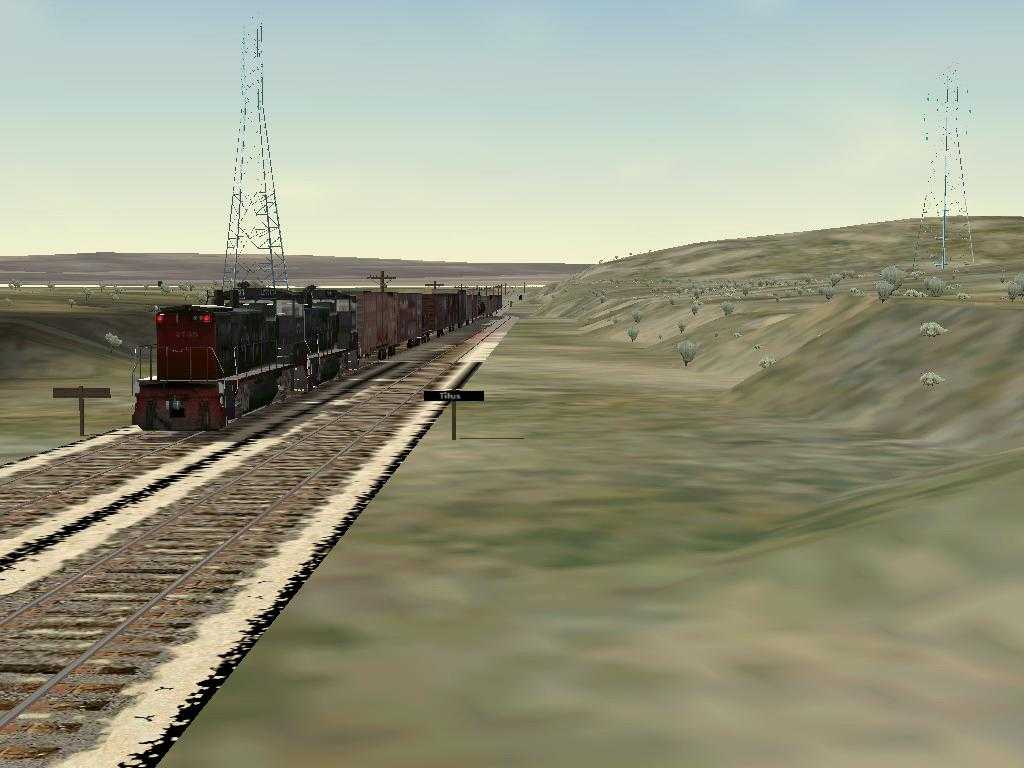
- Titus (MP 94.0) - I've never been here. Modeled from
satellite
photos. Named for Harry L. Titus, Spreckels' chief
counsel.
- Dubbers (MP 96.0) - Modeled from my photos. Named for A. Dubbers,
SD&A's Division
Engineer at Carrizo Gorge.
- Carrizo Gorge (MP 100.7) - Modeled from Topo maps from the
1970's. This station is really different in the real world today. Looks
like the siding was moved a mile from what the maps show.
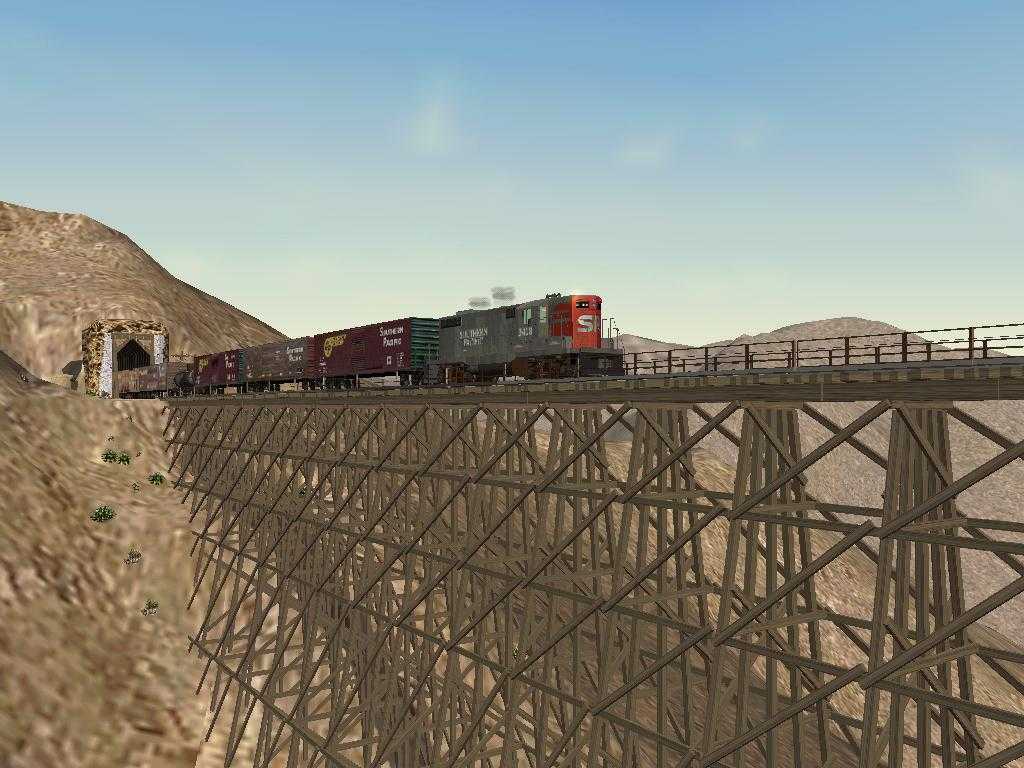
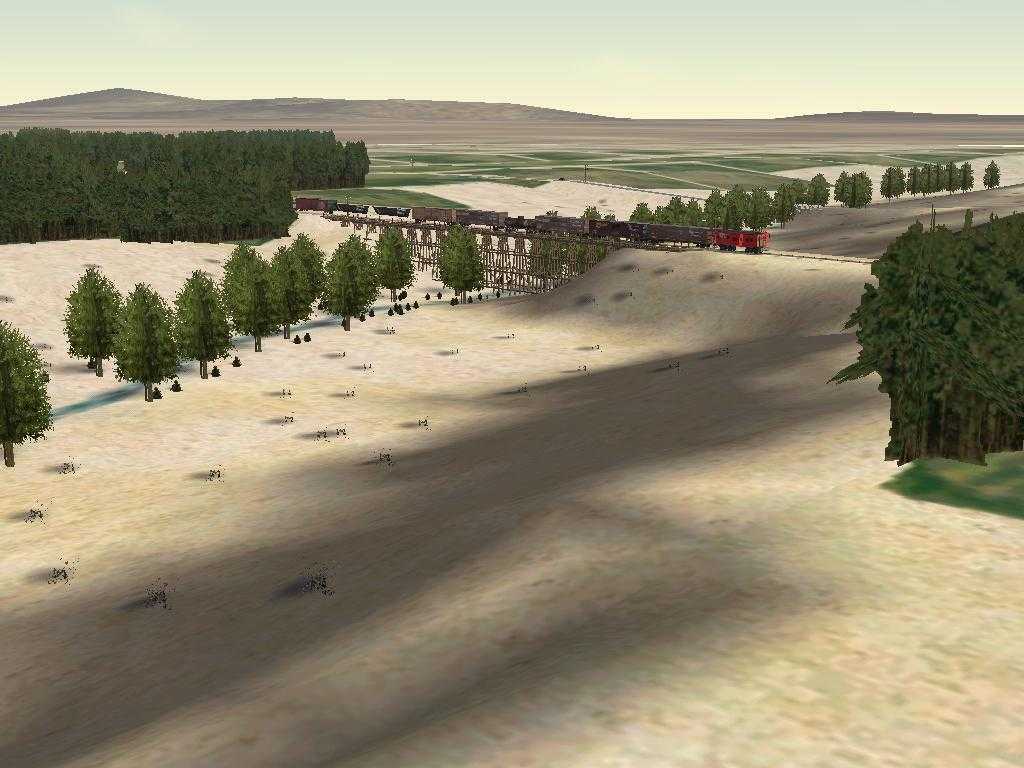
- Goat
Canyon
(Tunnel 15 Spur) (MP 102.3) - The Goat Canyon Trestle, built
in
1932 as part of a realignment of the main line following a tunnel
collapse, extends for 633 feet, 185 feet high. It is claimed to be the
highest and longest wooden trestle bridge in the United States.
- Dos Cabezes (MP 109.7) - Modeled from my photos.
I
modeled a building there but from the ruins of the area, I can't be
sure. I put the freight platform there for activities. I don't think
there was a real one there. Dos Cabezes is Spanish for "two heads";
supposed pair of rock formations that resemble heads.
- Sugarloaf - Modeled from my photos. I believe this was a
mine but
I don't know for sure. Today there are a few foundations and a concrete
lined pond there.
- Coyote Wells (MP 122.5) - Modeled from my photos and old
SD&A
maps. The wye and tanks are no longer there.
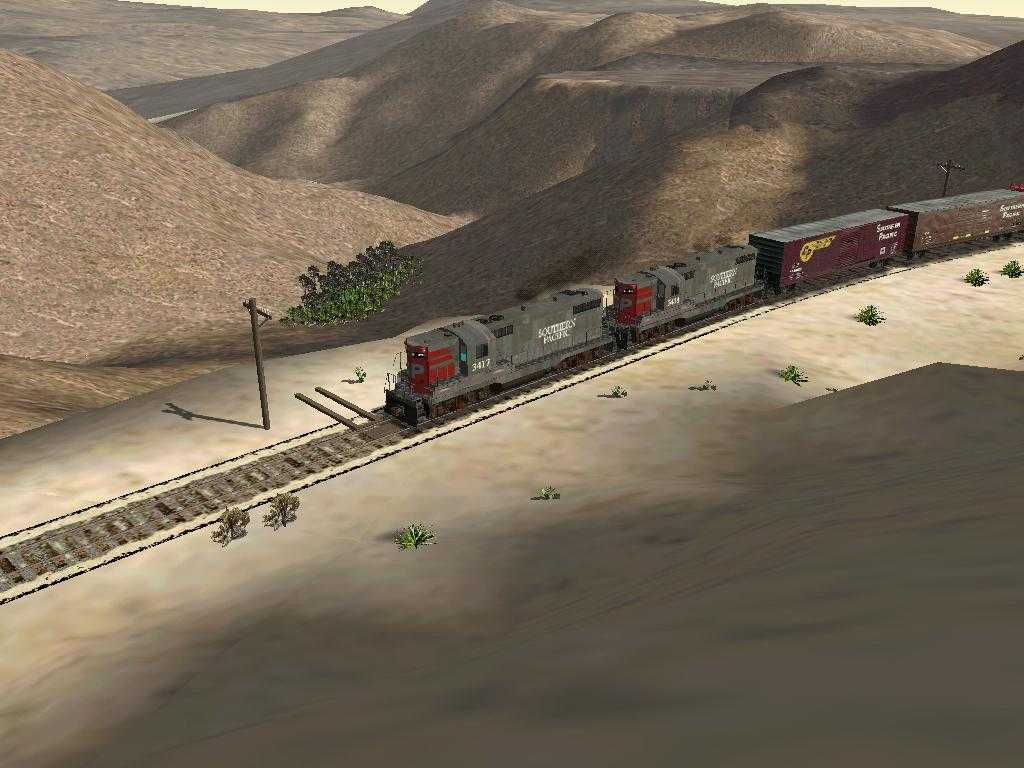
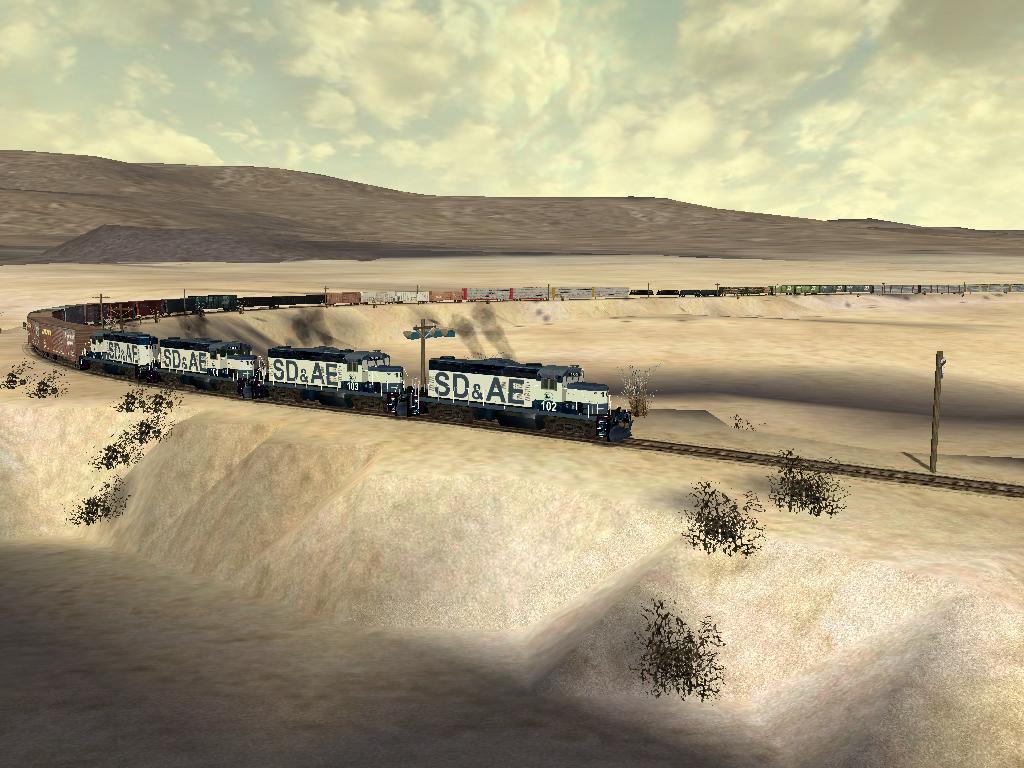
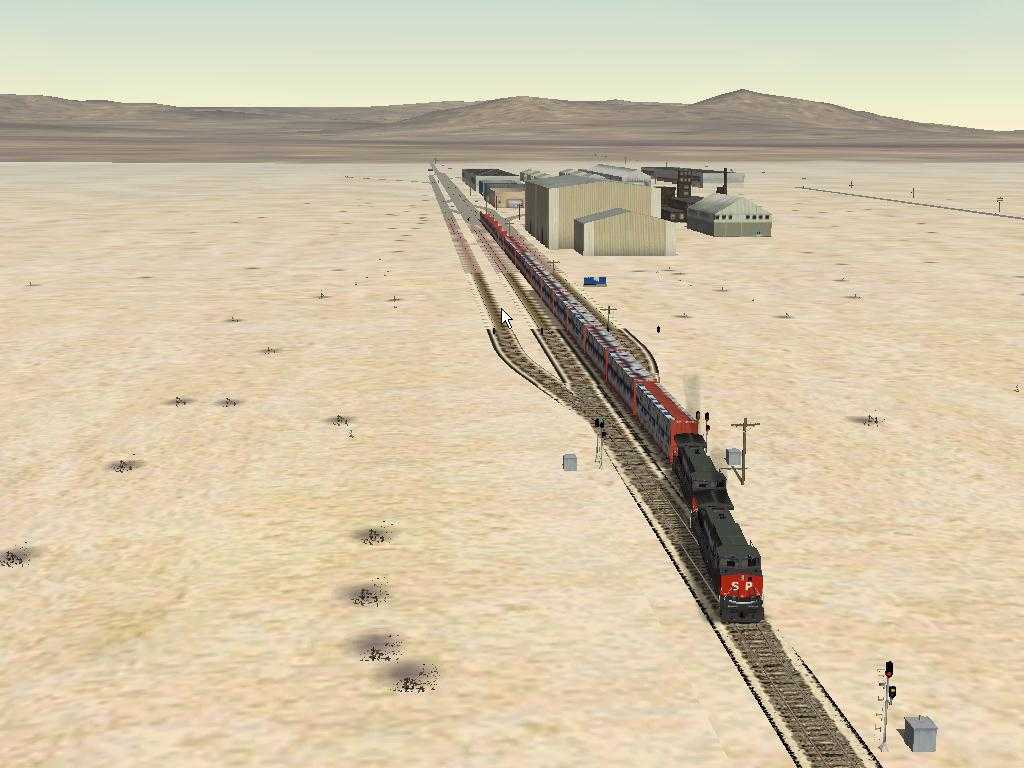
- Anza Borrego Desert - Miles and miles of nothing but miles
and
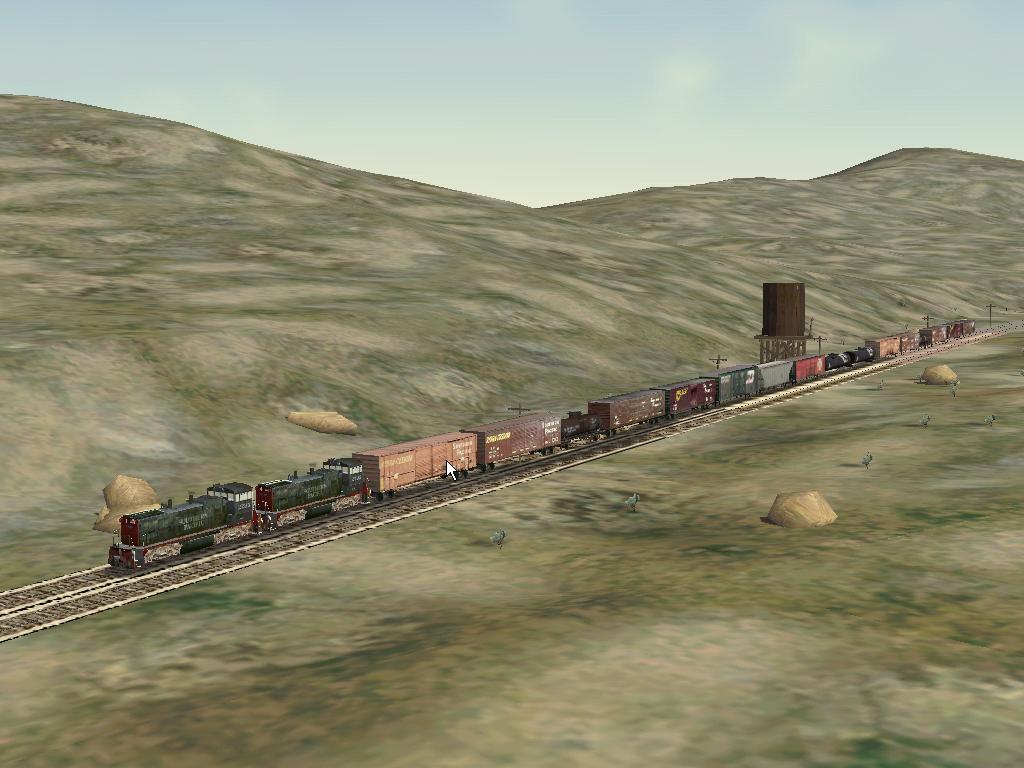
miles. Here are SD&AE GP-9 numbers 101, 102, 103, and 104
pulling a
long east bound freight through the desert. The screen shot was taken
by Brian A
Elchlepp.
- Plaster City (MP 130.0) - A rough cut at the US Gypsum
Plant. The
track is from from old PSRM documents and now you can't get close
enough
to take pictures. A narrow
gauge
railroad from the Plaster City processing plant to the gypsum
mine
about 30 miles away. Another link here
.
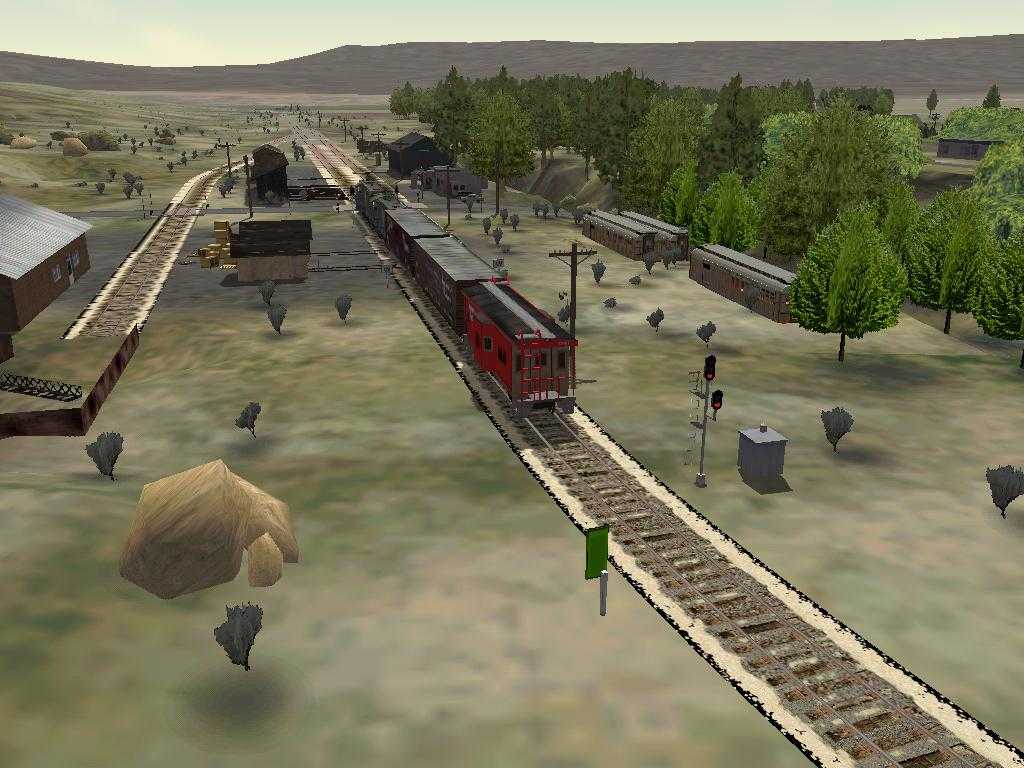
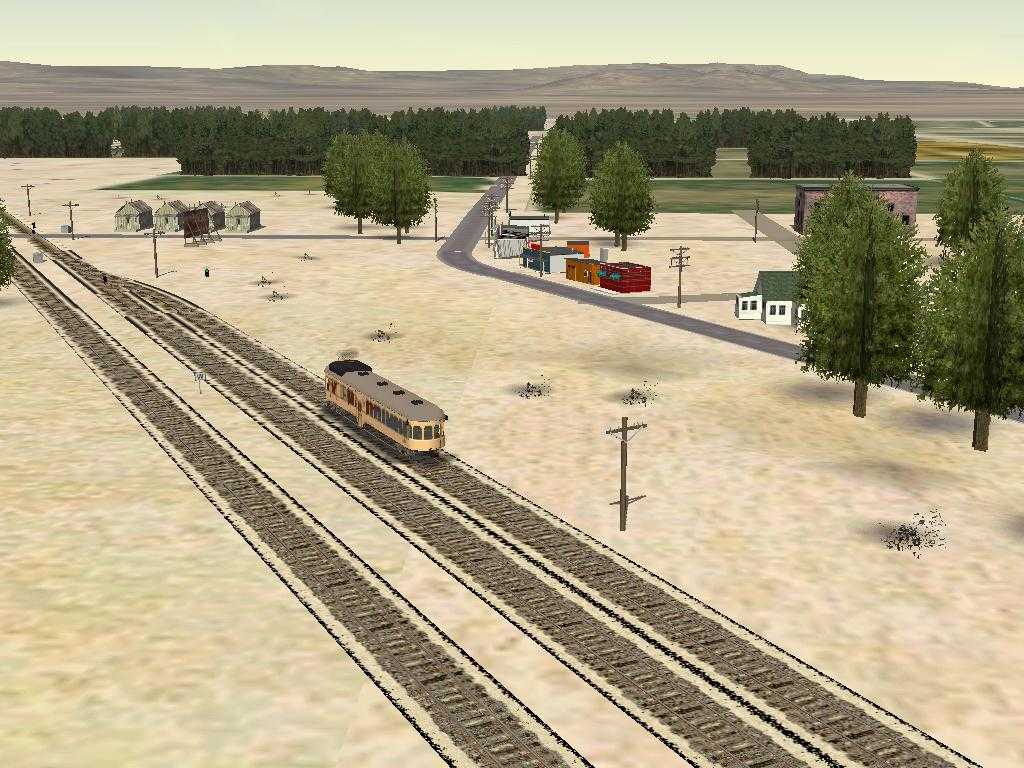
- Seeley (MP 139.8) - Modeled from my vision about what an
old time
small western town would look like.
- Canals - With water from the Colorado River, the Imperial
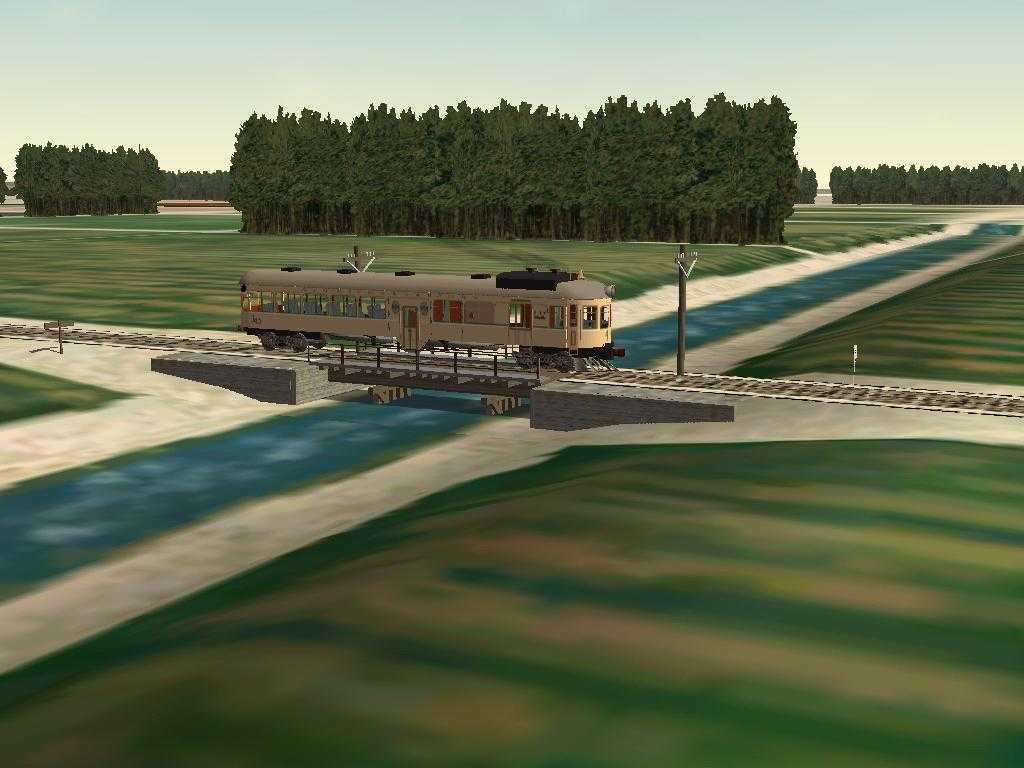
Valley
has been turned from a desert into a lush farmland. Here is the
SD&A
#43 crossing over the Central Main Canal just west of Seeley.
- New River - In 1905, a temporary diversion of the Colorado
River,
constructed to replace water from the blocked Imperial Canal, is
breached by floodwaters. This breach became the New River and the
Salton
Sea was born. More
Info .
- Wilsie (MP 145.1) - All that is left here is a siding. Old
SD&A documents show that a packing plant used to be here.
- El Centro (MP 147.84) - The track is from old SD&A
documents.
The buildings are from Enocell. His buildings give the flavor of what
used to be. The Holten Interurban Railroad provides service from
Holtville to El Centro. It enters the SP main line via a wye. I've not
included that part of the line in this route.
And
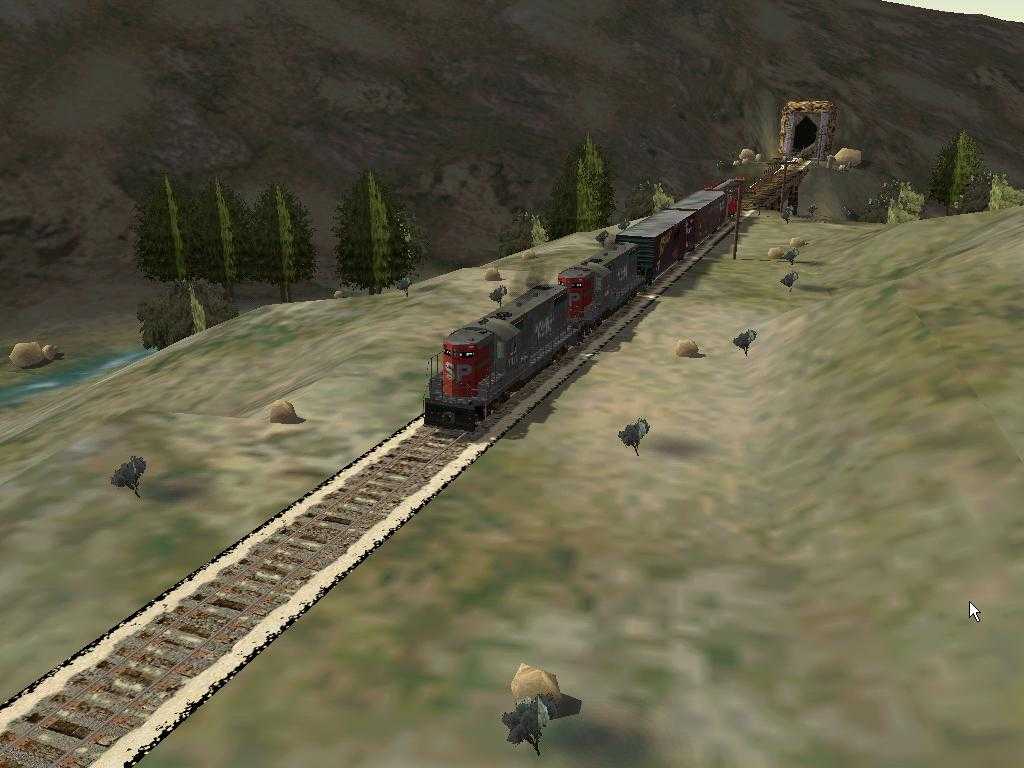
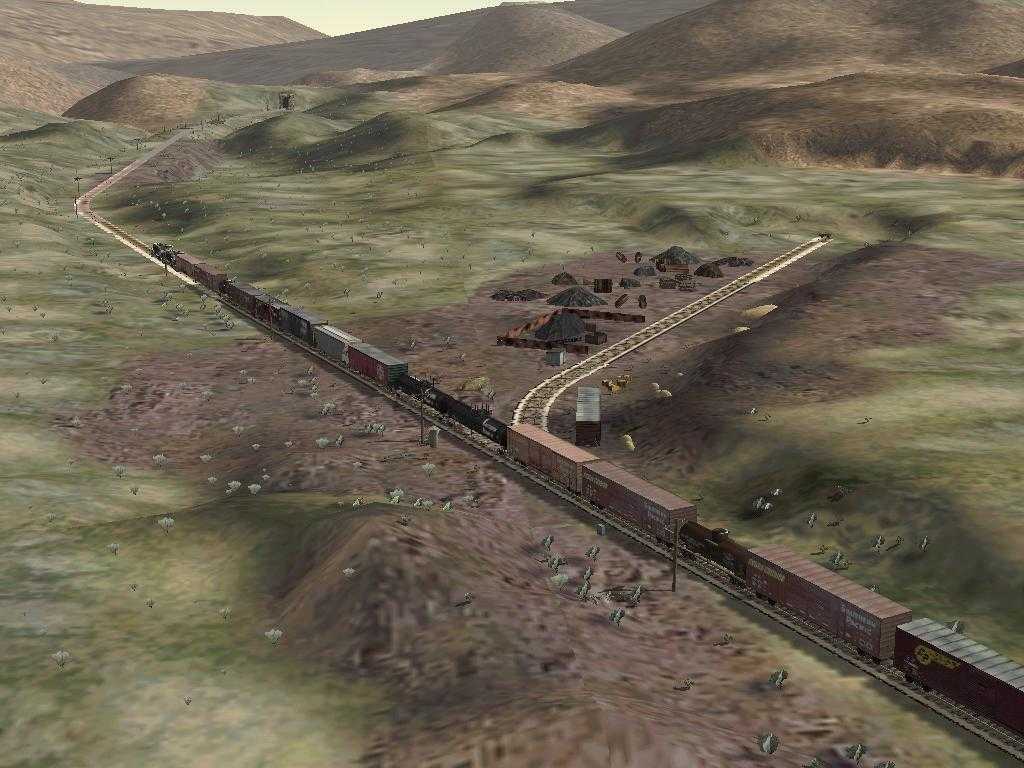
The consist down in Carrizo Gorge near the southern entrance to Tunnel
8 looks like a piggyback trailer car. From what I could see of the
derail, it was carrying two Coors trailers.
The two box cars over the side of the Gorge, north of Goat Canyon are
SP box cars. They are empty.
The southern terminus of the Pacific Crest National Scenic Trail is
just south of Campo. I modeled it and the point where it crosses the
SD&A. Look for the sign.
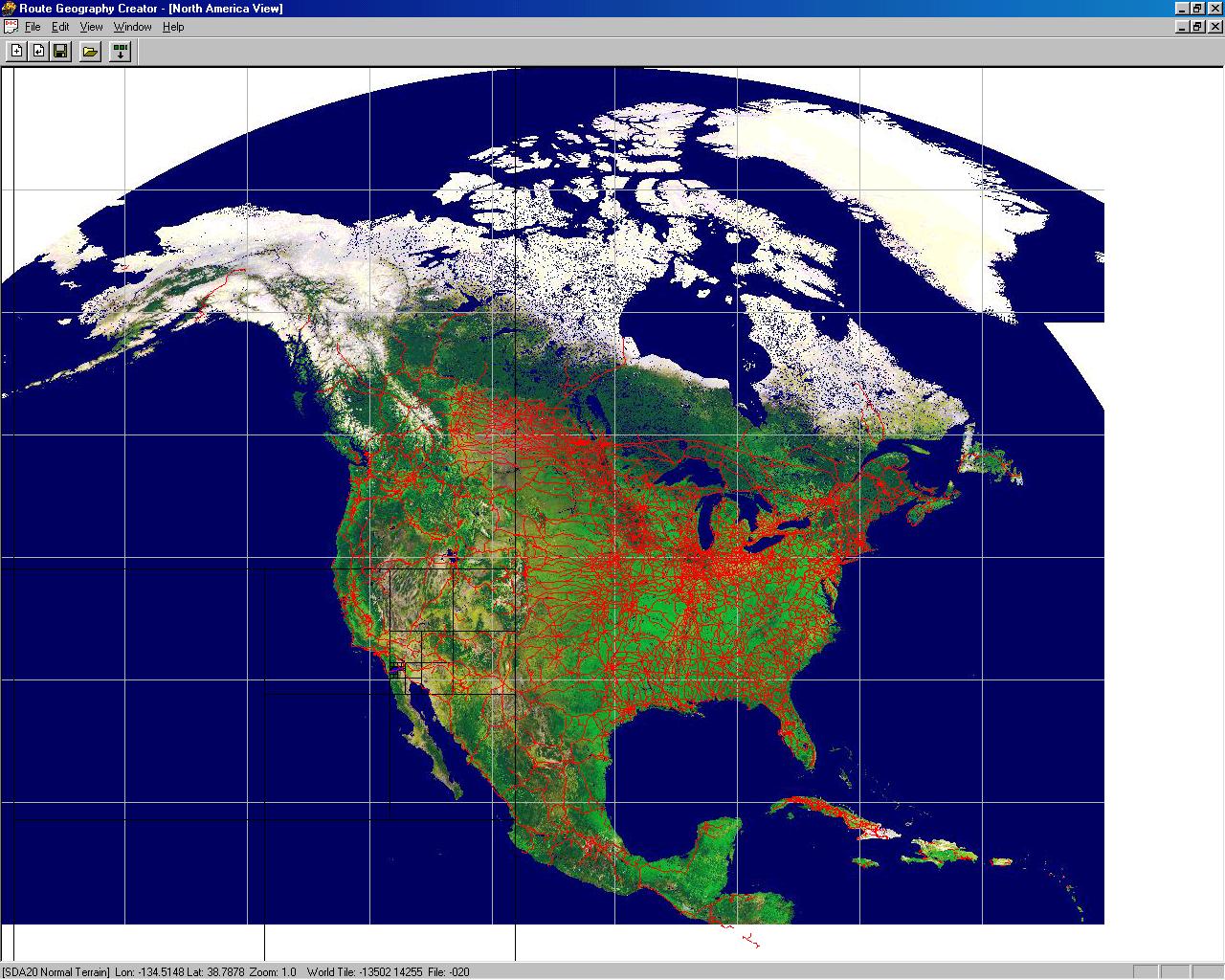
Route Overview
Here is the Route Geometry Extractor view of the route. It will give
you an idea of where the route is located. You will be able to see that
the line runs along the southern end of California both north and south
of the Mexican border. Click on the thumbnail image to see a larger
(262Kb) view. Click here
for a
close-up
RGE view.
I used TsTools to set the markers. Click here for a screen
capture of the
TsTools layout. With TsTools, I could overlay DRG maps from the USGS
and
get accurate placement of markers for the route and for scenery.
I used DEMEX to generate the terrain. Click here for a screen
capture of the
DEMEX
layout. The lighter gray is higher elevation. Just to the left of the
center, you can see Carrizo Gorge running from south (higher elevation)
to north (lower elevation). DEMEX also did the Distant
Mountains.
Here
is a
profile of the line.
Route
map
(275Kb)
Large
high
detail route map (393KB)
Special
thanks to:
TSTools for markers and
milepost locations
http://www.ts-tools.com
USGS for DEM data and maps
DEMEX for the terrain and Distant
Mountains
http://www.dem-ex.com
Train Sim Modeler for all the new objects
TGATool for textures
Route Riter for getting the Distribution
Package
ready.
Michael Vone for his great book on Route
Building
SeaView for the outline of installation
instructions
Robert Hanft's book "San Diego &
Arizona: The
Impossible Railroad"
Ron Picardi for his Viaduct Bridge Kit
which I used
for the
High
Bridge over US 80 (Now CA
Route 94) rpicardi1@chartermi.net
Chain
Link Fence Kit,
and his
Grain Silo Kit.
Enocell aka Teemu Saukkonen for his
buildings which
I used at El Centro
enocell@hotmail.com,
teemu.saukkonen@kolumbus.fi
Dickey Tarkington
Cal R. Rasmussen (calr on train-sim.com)
McDonalds/
Road Construction Objects
cal.rasmussen@verizon.net
Don Brynelsen for western town buildings
Gary Sprandel for 1920's Era
Concrete Bridge
jaidite@aol.com
Rich Garber for too many scenery objects
to list
Eucalyptus Trees by James Hart email: jahart@mira.net
My thanks to all route builders and scenery builders who
preceded
me. Look in the route ZIP file for all the readme.txt files with thanks
given for all shapes and textures used.
CAMCFG.DAT
Here is a new version of camcfg.dat. I got this as part
Michael
Vone's Albula Line 2. As far as I'm concerned, this is a MUST
have addition to MSTS. Note especially the "yard" view (7). You can
download the new camcfg.dat from here
.
Here are Mike's instructions:
Modified camera views: Included with this route is a modified
camcfg.dat that allows you great flexibility with the different camera
views. To use it, copy it from this route's Documents folder
into
the Train Simulator's GLOBAL folder, after backing up your old
version. If you want to go back to the original file
camcfg.dat,
a
copy is available as camcfg(original).dat in this route's Documents
folder: to use it, delete the modified version from the Train
Simulator's GLOBAL folder, copy camcfg(original).dat to the Train
Simulator's GLOBAL folder, and remove the "(original)" from its name,
so
it is called camcfg.dat.
The modified file camcfg.dat allows the following views (including
those allowed by default):
- In the "head-out" view (Shift-1), after pressing
Ctrl-Shift-9,
you can rotate the camera vertically and horizontally, by dragging the
mouse while pressing its right button.
- In the "front-tracking" (2) and "rear-tracking" (3) views,
after
pressing Ctrl-Shift-9, you can rotate the camera vertically and
horizontally, by dragging the mouse while pressing its right button
(while still moving the camera around the train with the arrow keys).
- In the " track-side" (4) view ("spotter cam"), you can
rotate the
camera vertically and horizontally (by dragging the mouse while
pressing
its right button), and change its height and distance (with the left-
and right-arrow keys). After pressing Ctrl-Shift-9, you can
move
the camera vertically and horizontally (but not rotate it), with the
arrow keys.
- In the "passenger" view (5), after pressing Ctrl-Shift-9,
you can
rotate the camera vertically and horizontally, by dragging the mouse
while pressing its right button.
- The "coupling" view (6) is not changed.
- In the "yard" view (press 7 while in any station), you can
move
the camera anywhere you wish in the entire route (with the arrow keys)
and rotate the camera freely, by dragging the mouse while pressing its
right button; note that the yard camera becomes independent
of
where your train is located: you can explore the entire route
as
if in a helicopter (but the height above the ground is limited).
- The "derail" view (automatic) is not changed.
Note that I gave the camera views non-default "fields of view" (called
FOV inside the camcfg.dat file, which gives the angles of camera view
in
degrees; by default they are 60 degrees); you may
change
these FOV values with WordPad: a small FOV gives a zoom effect, while a
large FOV gives a "fish-eye lens" effect.
Links of Interest
Pacific Southwest
Railway Museum
Carrizo
Gorge Railway
San
Diego Historical
Society
San
Diego and Arizona
Railway (history)
San Diego and
Arizona
Railway (gallery)
San Diego
Model Railroad
Club HO layout
Model
Craftsman, the Magazine of Mechanical Hobbies March 1938 pp
4-6 A
Real Railroad To Model - The San Diego &
Arizona Eastern
by
J.W. Grosdidier
San
Diego
and Arizona Railroad "The Impossible Railroad"
Formidable Places: Building a Railroad in Carriso Gorge
by
John A. Wilson
John D. Spreckels (1853-1926)
Wikipedia
Bounding Box Fix
This route uses 10d points throughout. If you have
not applied
the "Bounding Box" fix, doing so may stop these points from causing
broken couplers. Edit these four files in the Global/Shapes directory:
    a1tpnt10drgt.sd
    a1tpnt10drgtmnl.sd
    a1tpnt10dlft.sd
    a1tpnt10dlftmnl.sd
Use a Unicode editor like Wordpad and remove the line
containing:
ESD_Bounding_Box(.....)
This fix is from the experts on train-sim. It worked for me but use at
your own risk.
SD&AE ?
I found this in the "Troubleshooting" column of the March 1983 Railroad
Model Craftsman :
Q
"While watching a TV show, I
saw a train with the initials SD&AE on the side of the
locomotive.
What do the letters stand for and where does this railroad run?"
A
"This is the San Diego and
Arizona Eastern that extends from San Diego to El Centro, California, a
distance of 150 miles. The company was owned and operated by the SP. In
1976, a tropical storm washed out the line in many locations
and
service was suspended. An abandonment petition was filed, but
fortunately, most of the route is still in operation and became
independent of SP control. Part of the line is now the San Diego
transit
system. Some, if not all, of the motive power is ex-SP."
Here is a note posted on
train-sim by "shoskins"
in response to a question about speed limits in Carrizo Gorge:
"According to the "California Region Timetable #13" of Altamont Press,
it shows the speed limit from Plaster City (SDIV Junction) to El Centro
as 25 MPH (as a Union Pacific Route)...then from Plaster City to
Lindero
Division, Baja California (the point where the line enters Mexico on
the
eastern side) has a speed limit of 15.
BUT -- the section from Plaster City to Dubbers is noted as "OOS" (Out
of Service) and Dubbers to Lindero Division as "YL" (Yard Limits).
The timetable book also lists the "Tijuana & Tecate" -- the
section
of the line in Mexico as follows:
Lindero Division 25 MPH
Tecate to Redondo 35 MPH
Matanuco 10 MPH
Garcia to Tijuana/San Ysidro, California
15 MPH"
[Mark's Note : my SD&A route does not hold to these
speed limits.]
My SD&A MSTS Simulation at the Pacific Southwest
Railway Museum
At the museum site in Campo, we have two simulations running
The first is automatic and runs a simulation from Division to El
Centro. This system has a big display and LOUD audio.

The second is interactive and lets you run a train using the RailDriver Controller.
This simulation starts just west of Jacumba and runs into Carrizo Gorge.
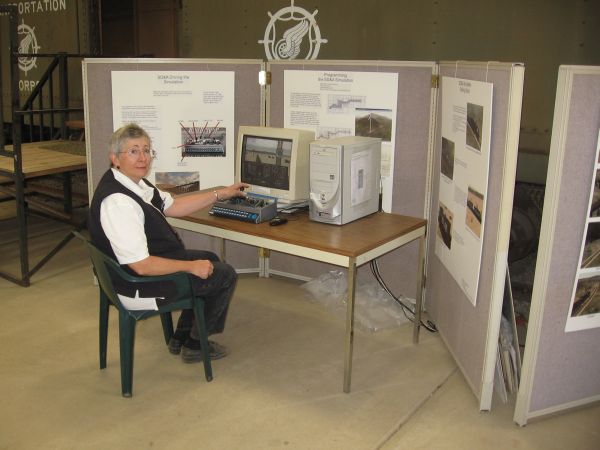
At the controls is Daisy Welsh, one of the docents at the museum.
Seen on
Trainsim.com's Forums
-
 10 Most Downloaded Routes
What are the
top ten most downloaded routes Train-Sim.com?
-
#1
MSTS
Northeast Corridor Route v4.2.28.3 (NEC 4). Date:
03-12-2003 Downloads: 26,978 (Congrats,
Vince)
#2 MSTS Route--Marias Pass V3.1 Date:
01-26-2003 Downloads: 18,755
#3 MSTS Route--LGVMed 3.0. Mediterranean LGV (High
Speed
Route) Date: 06-21-2004 Downloads:
15,746
#4 MSTS Route--Surfliner Date:
07-02-2009 Downloads: 15,444
#5 MSTS Route--ATSF Cajon Pass from LA to Barstow
Date: 11-05-2006 Downloads: 14,752
#6 MSTS French Riviera Date: 06-04-2002
Downloads: 13,577
#7 MSTS Route--San
Diego And Arizona Railway (SDA) Carrizo Gorge v2.0.
Date: 12-30-2002 Downloads:
13,496
#8 MSTS Seattle BNSF Route Date: 04-07-2002
Downloads: 13,305
#9 MSTS BN Route From Whitefish MT To Sandpoint ID
Date: 01-18-2002 Downloads: 13,289
#10 MSTS Route--Norfolk Southern Pocahontas District Route
v1.0
Date: 12-04-2005 Downloads:
12,716
#11 MSTS Route--Improved Northeast Corridor v2.0.
Date: 09-28-2001 Downloads: 12,097
#12 MSTS Route--Unterland 2.0 Full Version Date:
12-19-2001 Downloads: 12,047

Here are links to some of my personal
web pages:
This site prepared and maintained by Mark DiVecchio
email : markd@silogic.com
SD&A
HOME
Mark's Home Page
This site will be under construction for a while.